Sliprail Your personal AI assistant, always at your fingertips
Sliprail is a cross-platform productivity launcher and personal AI assistant. Its rich extension ecosystem and built-in assistant, Nora, seamlessly connect your tools, workflows, and frequently used content, turning ideas into action in an instant.
One entry point from intent to action
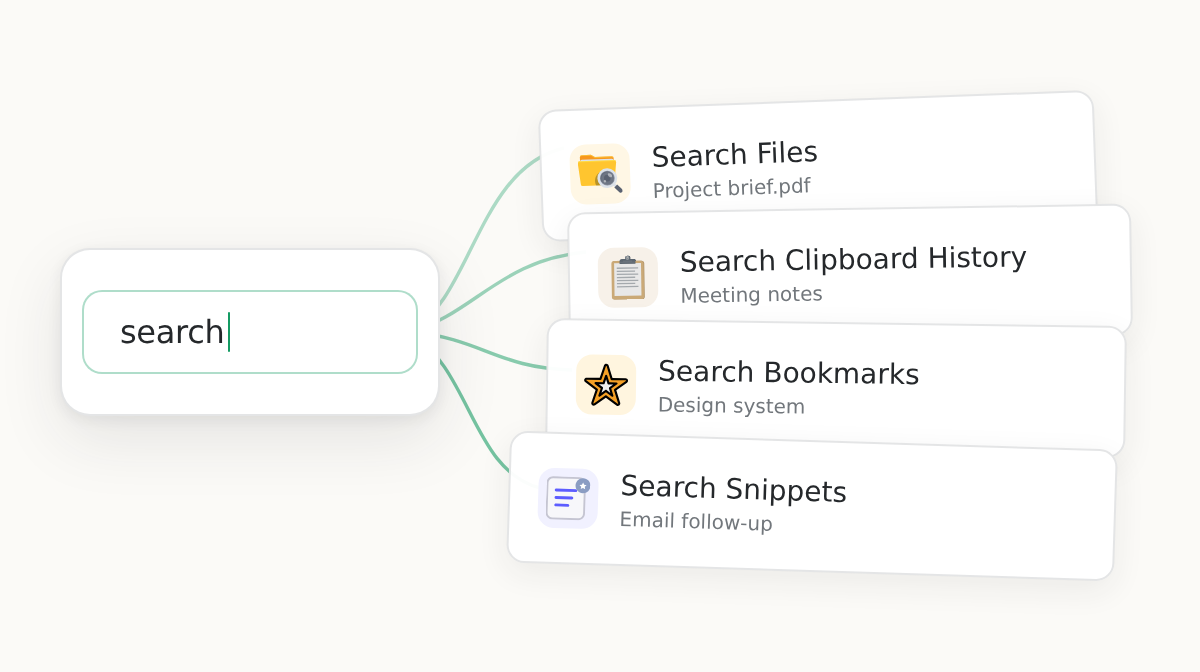
Open an app, find content, run a shortcut, or ask Nora. Every task starts from the same familiar input.
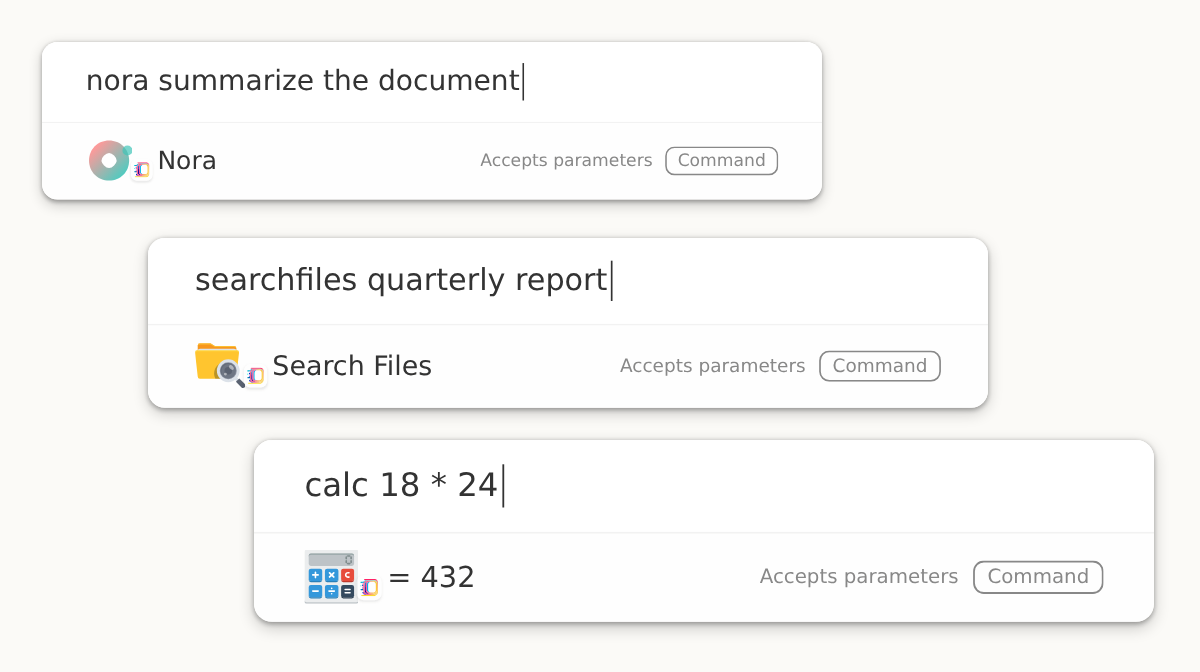
Type what you want to do
Apps, files, system actions, extensions, and Nora all begin in one place.
An interface that follows the task
Sliprail moves between results, previews, parameters, and conversations as your intent becomes clearer.
Move smoothly between desktop and web
Take quick action on Windows and macOS, then continue with Nora on the web in a consistent Sliprail experience.
Nora goes beyond answers to manage your cloud data
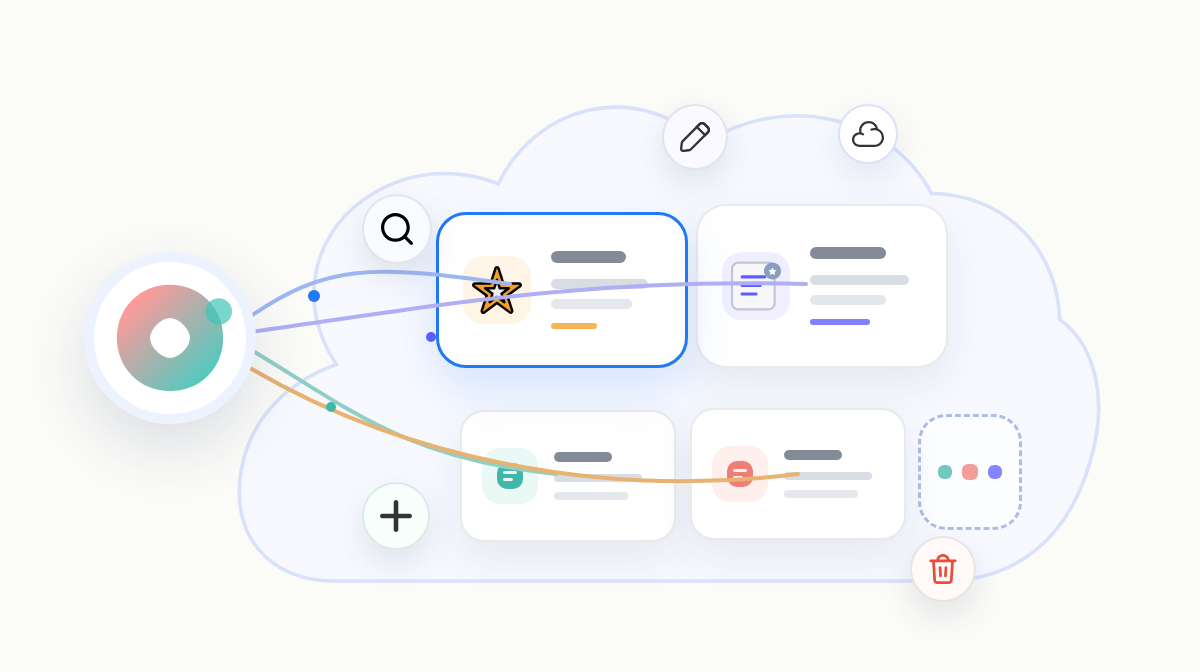
Nora is Sliprail's built-in multi-model intelligent personal assistant. Beyond writing, analysis, and search, it can find, read, and change extension data already synced to the Sliprail cloud, such as bookmarks and snippets, after you confirm the request. This lets Nora work with your own content and save changes directly to it.
Find and organize your own content
Search, filter, or count synced bookmarks, snippets, and other cloud data so Nora can build on what you have already collected.
Save changes without leaving the conversation
Add records, update content, or batch-delete items you no longer need instead of organizing them one by one.
You approve every read and change
Before it proceeds, Nora shows the data involved, the scope of the operation, and any content to be written. It reads or changes data only after you confirm.
Expand Nora's abilities and open up more possibilities
With AI extensions, Nora can better understand what you need, adapt to different situations, and offer more relevant help for exploration, creation, and everyday life.
MCP
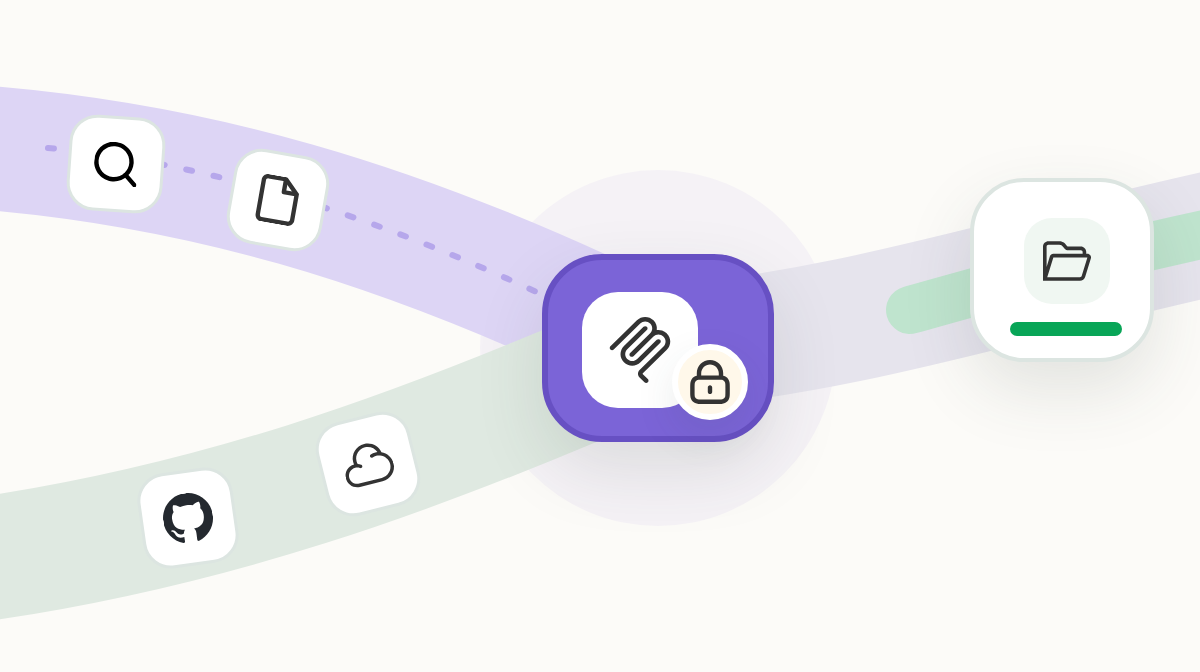
Connect Nora to GitHub, databases, local docs, browser automation, and internal services through MCP. Choose tools for each role and keep confirmations enabled for sensitive actions.
AI Screenshot
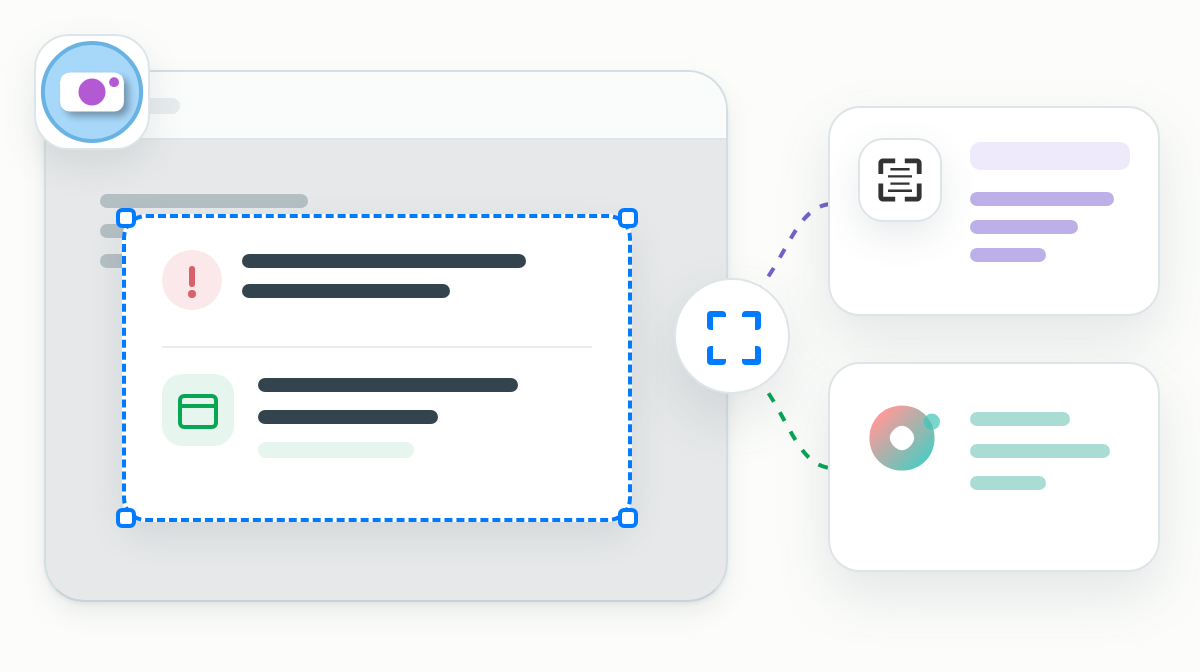
Capture your screen, extract text, and ask about what you see so code errors, meeting times, and interface details can go straight to Nora.
Keep the content you need within reach
Sliprail brings local files, clipboard history, bookmarks, and snippets into one searchable entry point. When you need them, you choose whether to open, copy, or hand them to Nora.
Local files
Find files quickly by name, keyword, or partial path.
Clipboard history
Recover copied text, images, and files before temporary information disappears.
Everyday actions beyond chat
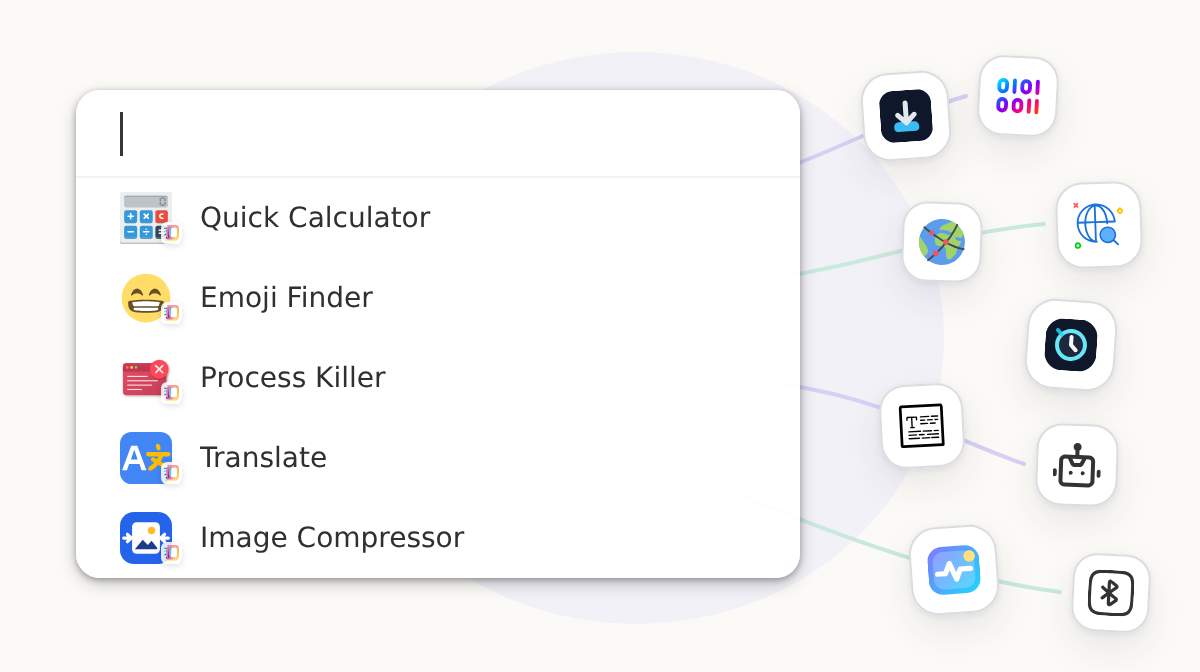
From calculations and emoji lookup to process termination, everyday actions are available from one place. Search and run what you need without switching between tools.
Quick Calculator
Type expressions and get immediate results, including complex formulas.
Emoji Finder
Find the perfect emoji by keyword without any scrolling.
Process Killer
View and end unresponsive or resource-hungry processes with ease.
Make the system behave more like you expect
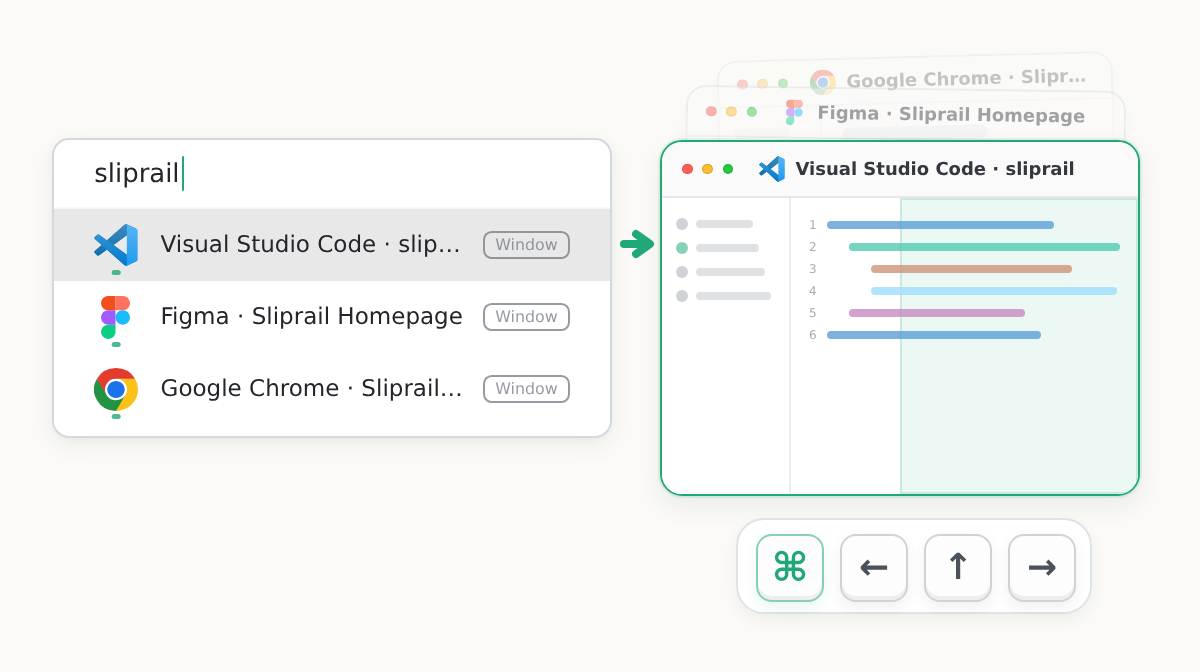
Sliprail improves built-in window interactions, making it more natural to find, switch, arrange, close, and put away windows on Windows and macOS.
Find and switch windows quickly
Search by window title or app name, use recent activity to surface likely matches, and switch directly to the window you need.
Arrange windows predictably
Use Sliprail's consistent shortcuts to snap the foreground window to either half of the screen or maximize it, with predictable results every time.
Close and put away windows more comfortably
Closing or putting away a window has a dedicated shortcut too, consistent across platforms so you never need to reach for window controls.
Keep working across devices without giving up control of your data
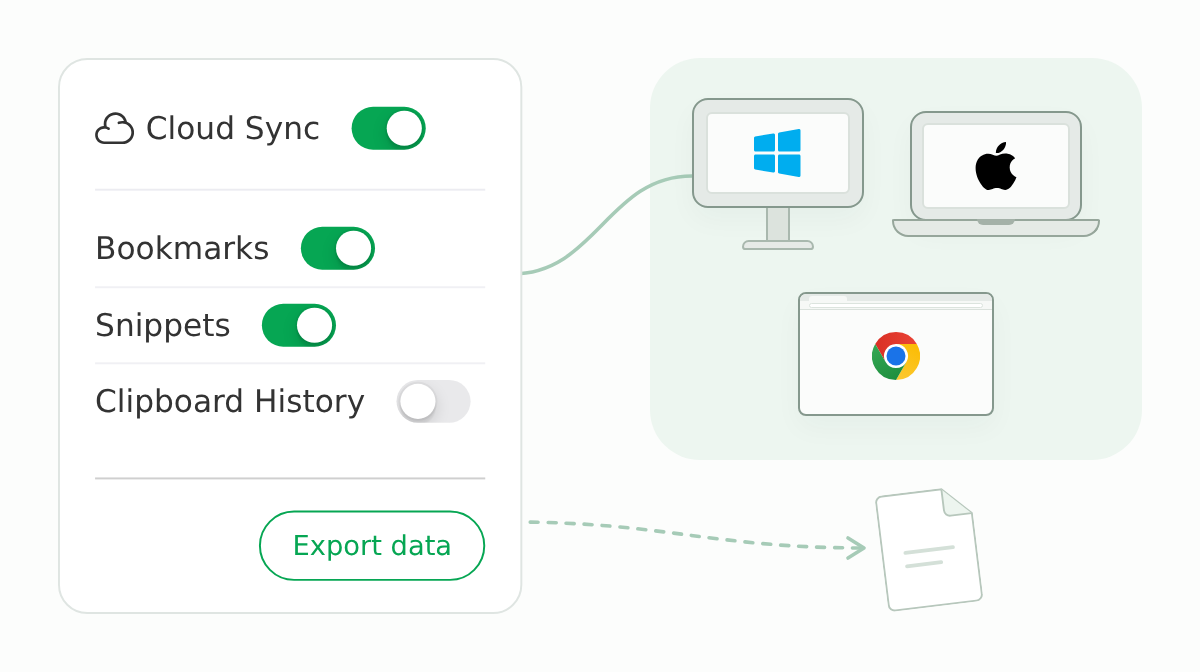
As you move between Windows, macOS, and the web, supported everyday content can move with you. You decide what reaches the cloud, when to export it, and where it goes next.
Pick up on another device
Sync supported bookmarks, snippets, and other content instead of setting everything up and organizing it again.
Only put what you choose in the cloud
Turn sync on or off for each supported extension without uploading everything just to work across devices.
Take it with you when you need it
Export selected content and timestamps for review, backup, or migration to another tool.
Bring your tools and workflows into Sliprail
When existing extensions do not cover what you need, build an extension for team tools, internal services, or specialized workflows and make it available from Sliprail's unified entry point.

Frequently Asked Questions
Do I need to provide credit card information for the free trial?
No. You can start the free trial without a credit card and explore the included features before you subscribe. Download Sliprail to begin.
How do I start the 14-day free trial?
Download and install Sliprail. The 14-day trial starts automatically the first time you open the app.
Are all extensions included with the subscription?
Yes. A subscription includes all current and future Sliprail extensions at no additional charge.
What's the difference between Sliprail Pro and Sliprail Lite?
Sliprail Pro includes Nora and other AI features. Sliprail Lite includes the non-AI features. We aim to keep the difference between the plans focused on AI, although features that require ongoing server resources may be available only with Pro. Choose Lite if you do not need AI features.
How does Nora handle my data?
We do not use your prompts or AI outputs to train Fengcen models unless we separately ask for and receive your permission. Your requests may be sent to third-party providers such as OpenAI, Google, or Anthropic, which process data under their own privacy policies. Even when a feature is described as temporary or ephemeral on our side, we cannot guarantee that a third-party provider retains no records. Review the relevant provider policies before submitting sensitive information.
How can I cancel my monthly subscription?
Open Subscription Management in Sliprail, or sign in to your account on the Sliprail website. Cancellation takes effect at the end of the current billing period.
How long are the AI credits included with Sliprail Pro valid?
The monthly AI credits included with Sliprail Pro are valid for 2 months from the date they are added. Plan credits can be used only while the related paid subscription is active and expire when that subscription ends. Credits purchased separately are managed independently and do not currently expire. The terms shown at purchase, checkout, or on your account page control.
How many devices can I use with one subscription?
One subscription covers up to 6 active devices or browser environments. If you exceed the limit, Sliprail signs out the device that signed in earliest so you can use the new device.
Which platforms does Sliprail support?
Sliprail supports macOS 13 or later on Apple silicon Macs, Windows 10 and 11, and Web. A Linux desktop app is not currently available, but we continue to evaluate future support. Features vary by platform, so use the free trial to confirm that the capabilities you need are available.
Can I view and manage my signed-in devices?
Yes. Open the Security page on the account website to review and remove signed-in devices. If you see a device you do not recognize, remove it and change your password.